AI profile photo: keep a readable face in small format
A profile photo is often seen in a few dozen pixels. The priority is therefore the readability of the face, before the details of the decor or the spectacular effects.
Build a simple silhouette
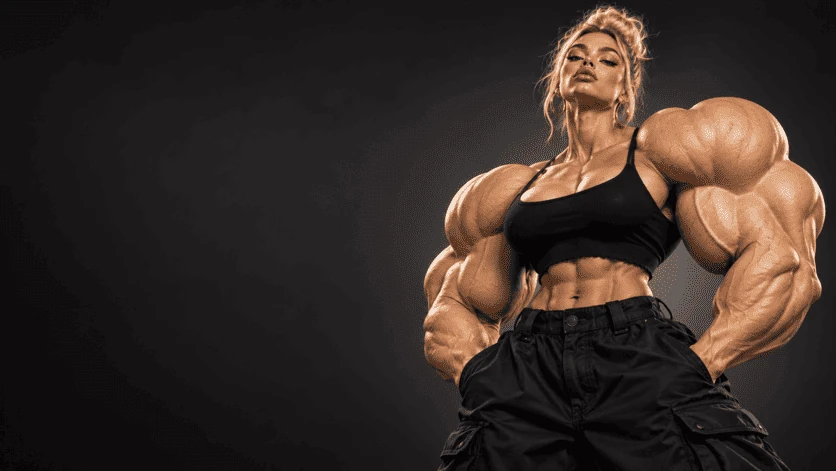
Framing centered on the face and shoulders prevents the subject from disappearing into its environment. Visually detach hair and clothing from the background. A short palette helps maintain a clear print even when the image is reduced or displayed in a circle.
Choose an appropriate expression
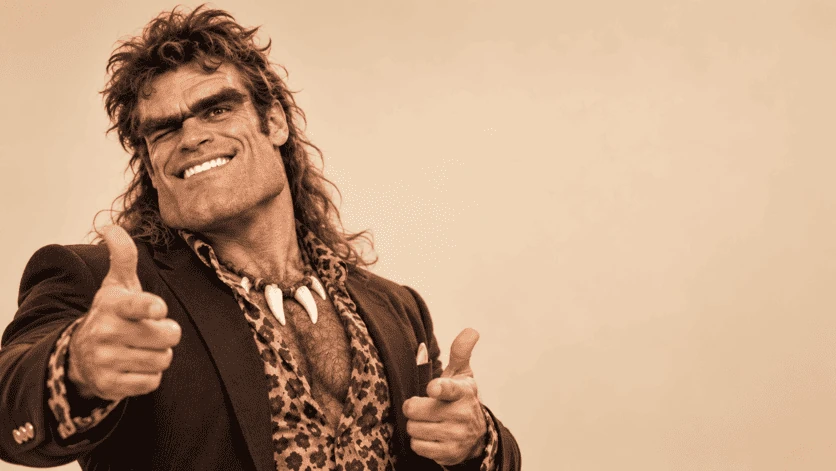
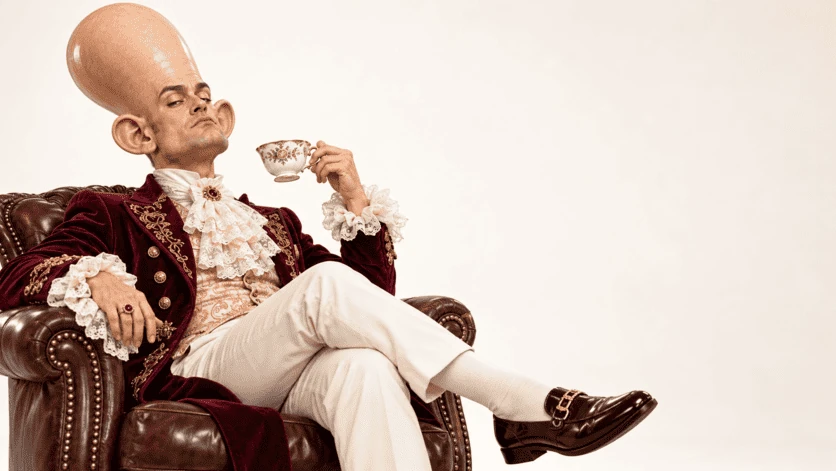
The expression must correspond to your usage and remain credible for the person represented. Compare the features to the reference rather than just looking for a flattering portrait. For a professional presentation, a sober and recognizable image is often more useful than a character transformed by a spectacular staging.
Test circular framing
Many interfaces cut profile photos into a circle. Leave a margin above the head and around the shoulders. Look at the result in small size: the eyes must remain readable, the face must not touch the edge and an accessory must not take up all the space.
Putting this idea into practice
Reduce your selection into small thumbnails and compare them side by side. Choose the one whose gaze and expression remain clear without enlarging the screen. Then do a second check of the details on the complete file.
Before choosing your images
- An easily recognizable subject.
- A background that separates the face.
- A margin adapted to the profile circle.
To prepare your series, also consult how the studio works and packages and their total amounts.